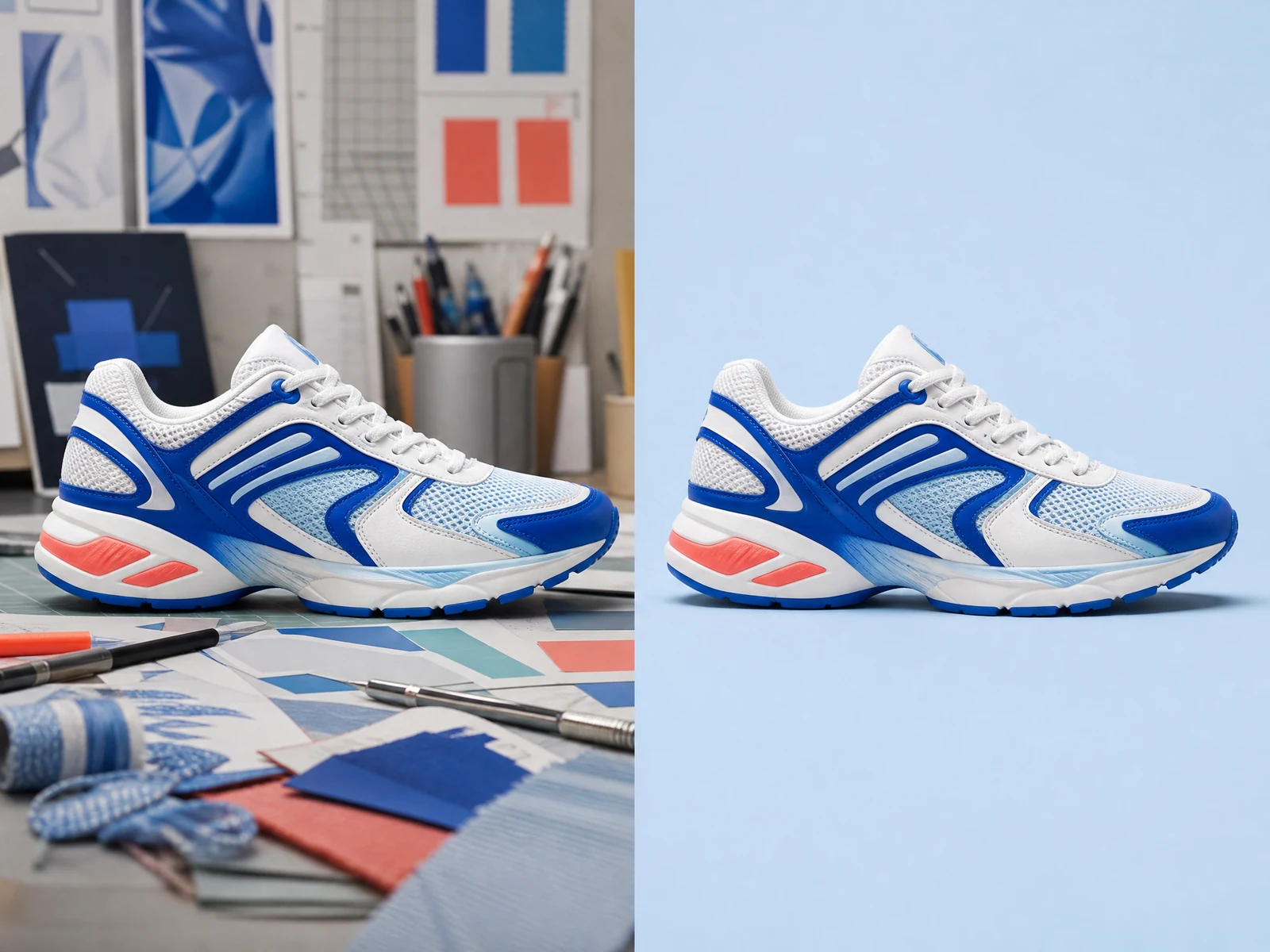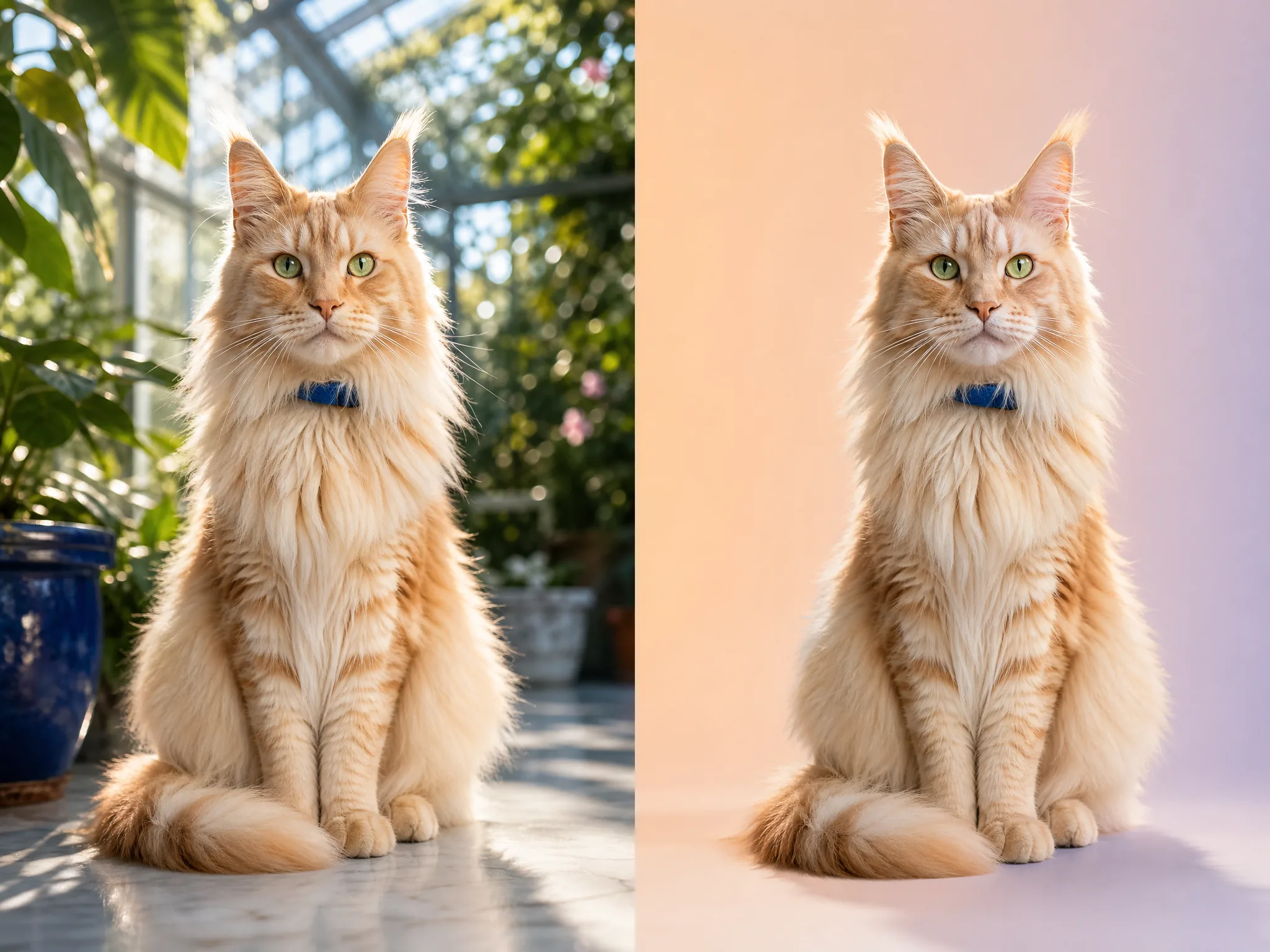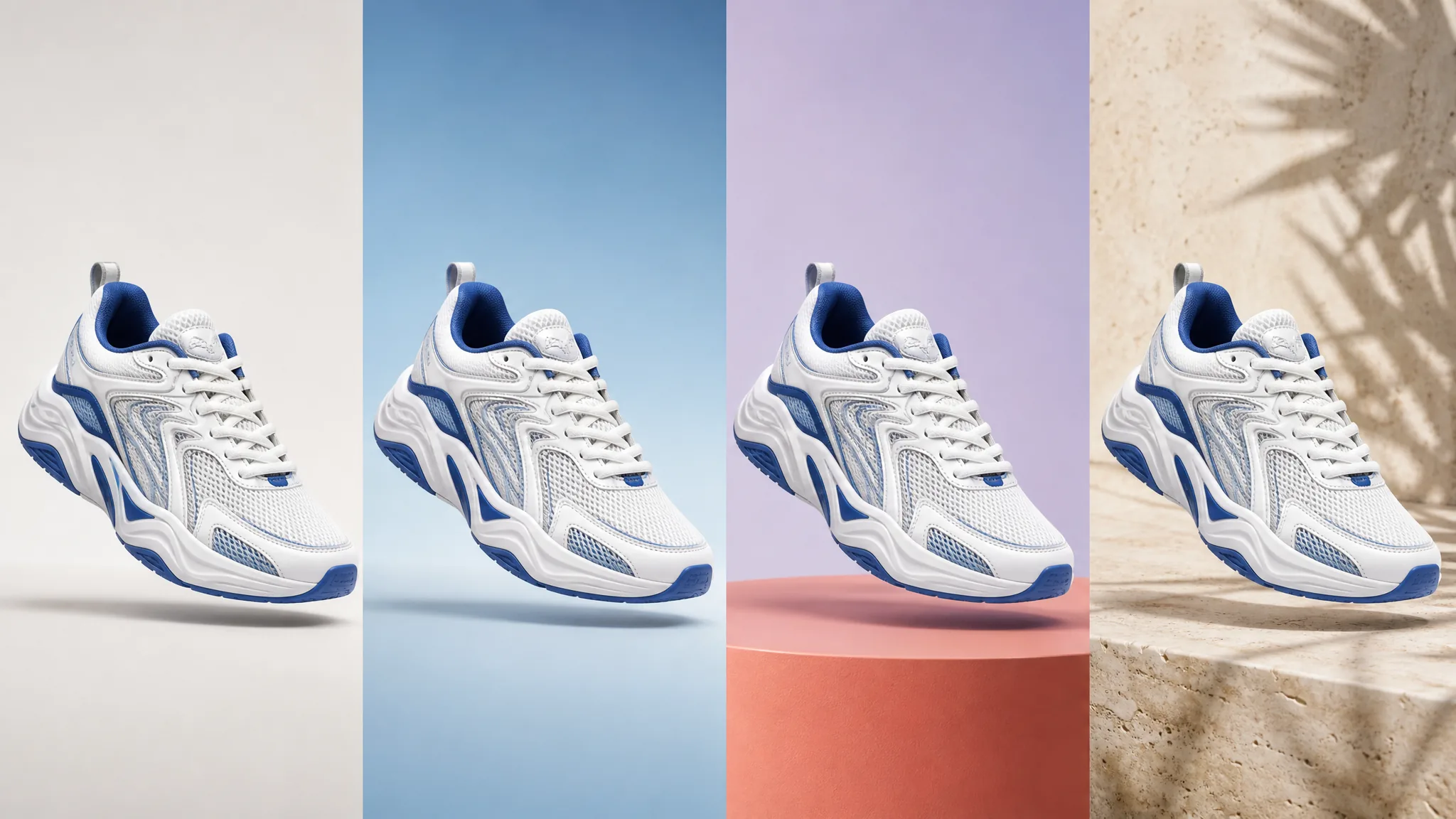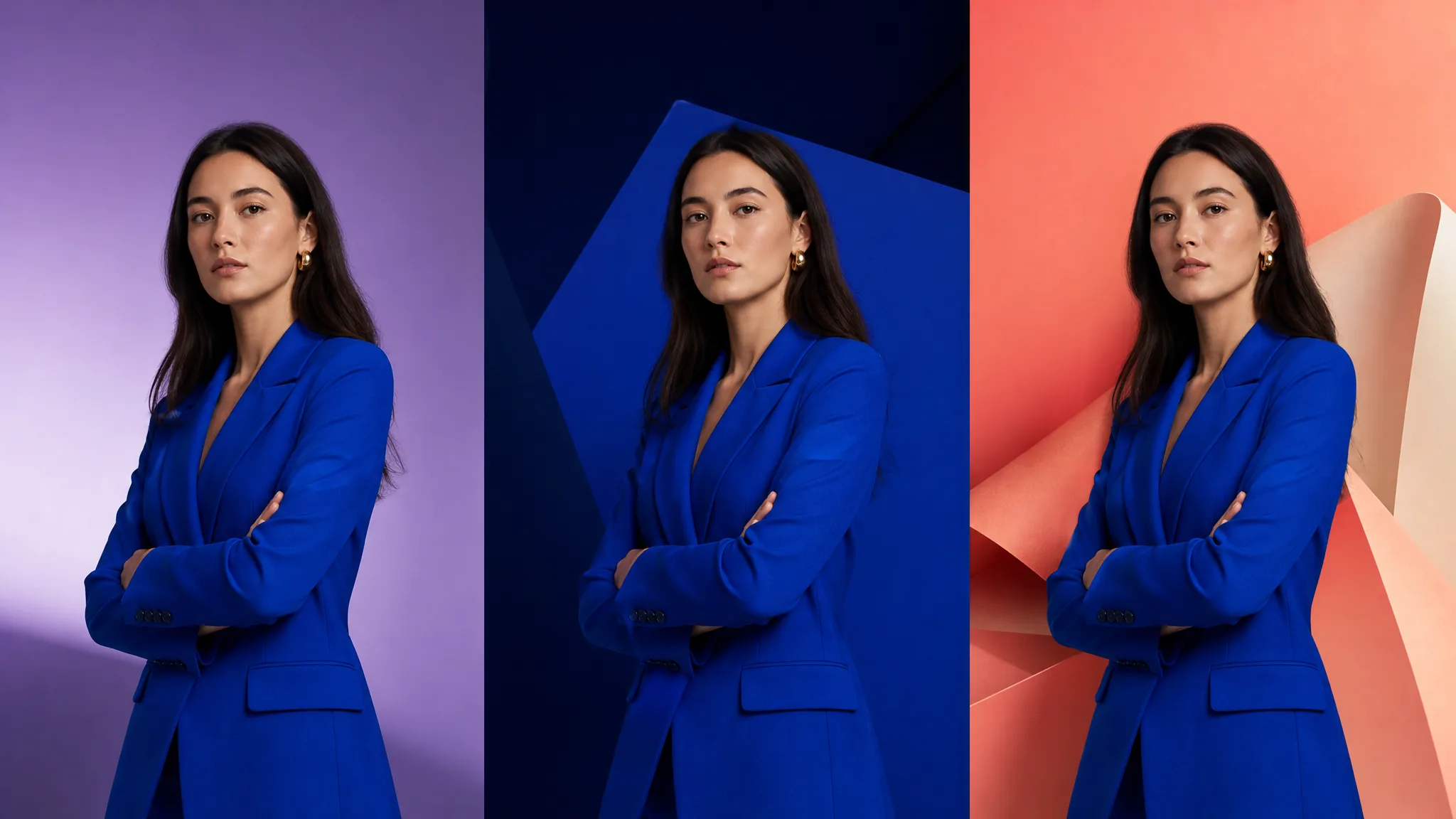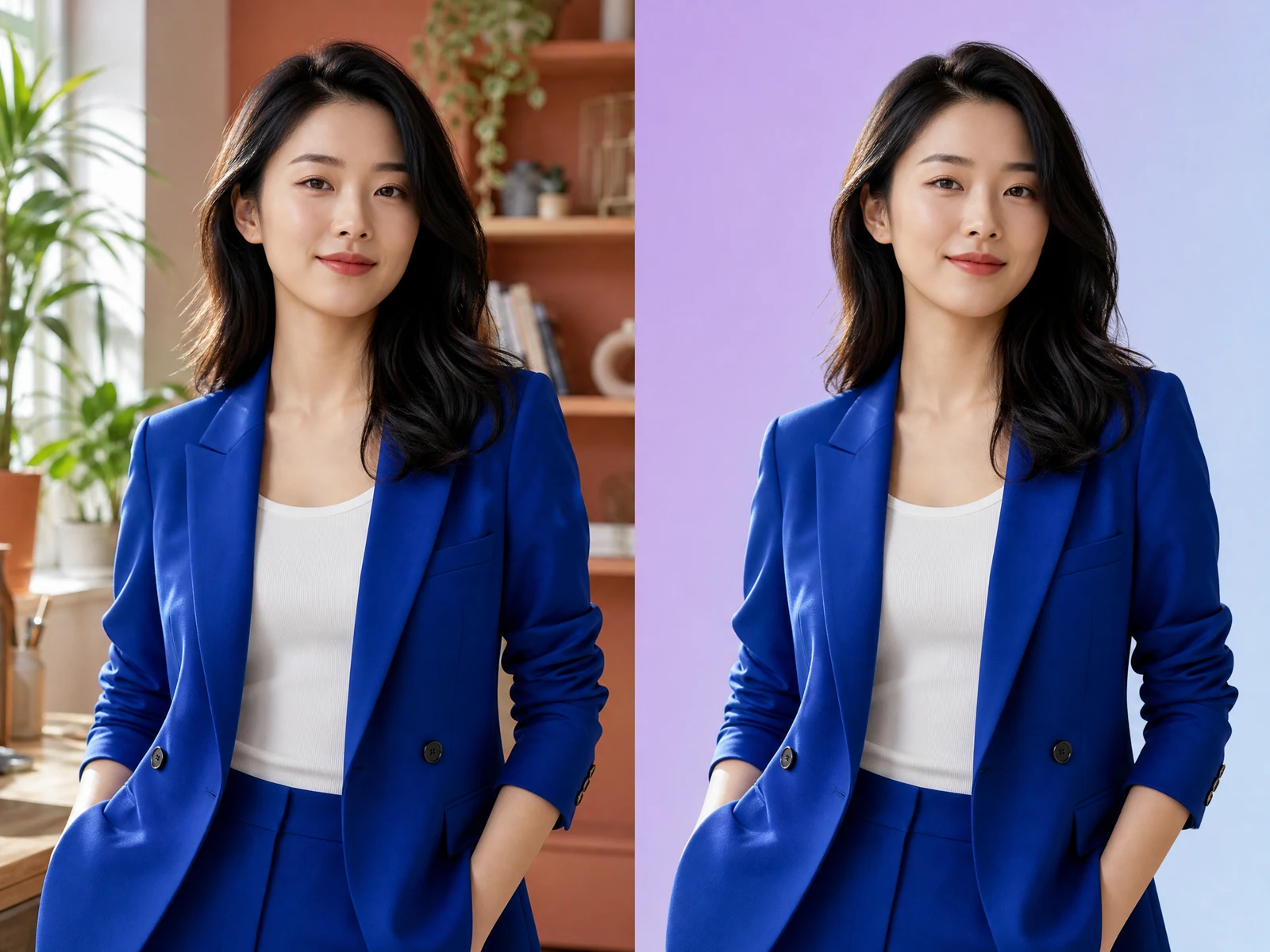
Portrait background removal example with detailed hair
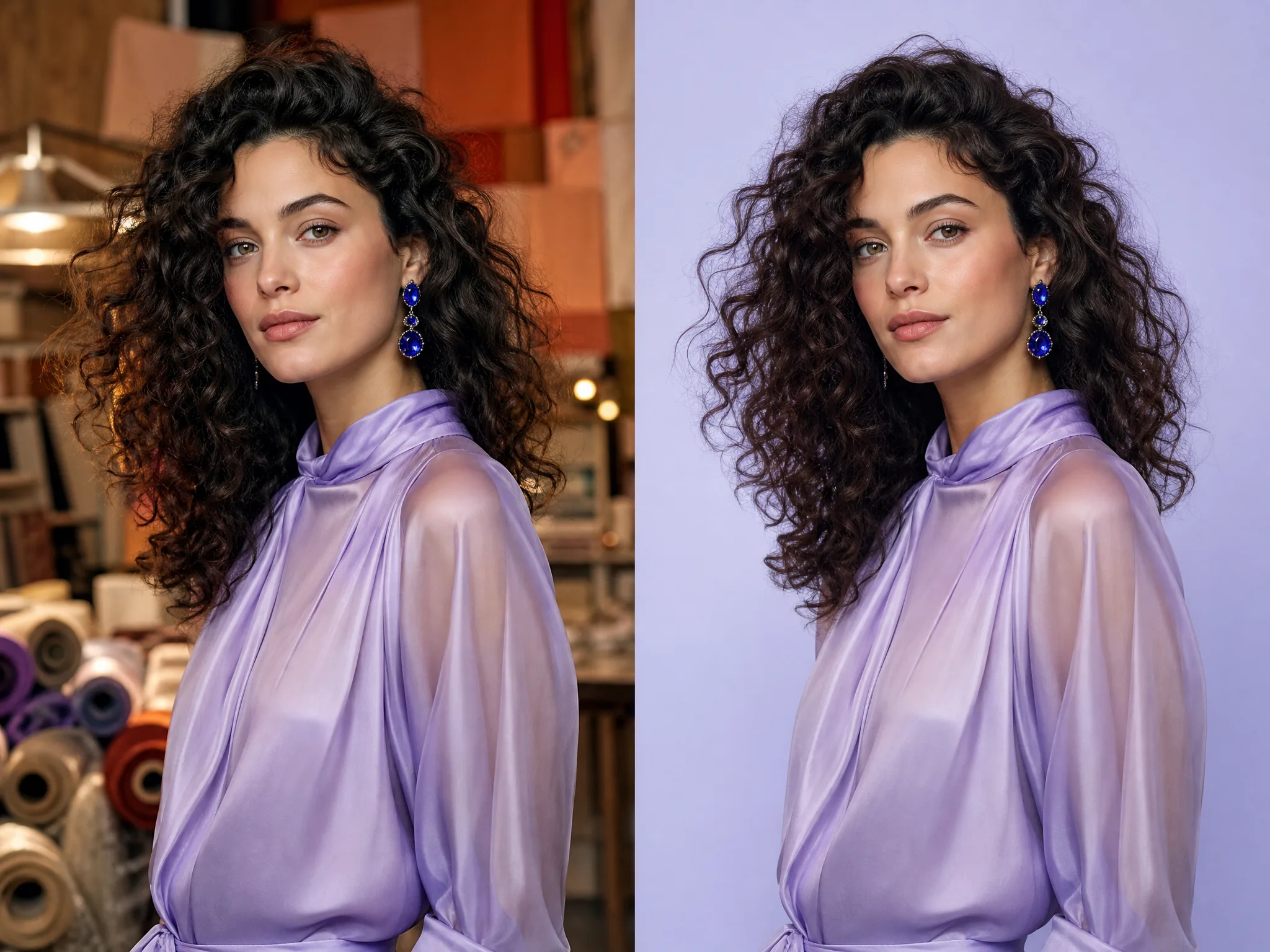
BeforeAfter
Portrait
Use the AI background remover on detailed portraits
Portrait background removal works best when the subject stays recognizable and the cutout does not look harsh. The AI background remover separates the person while preserving the expression, clothing, and fine hair transitions around the silhouette. Place the AI background remover result on a neutral studio color, branded backdrop, profile card, or campaign layout, then inspect flyaway hair and semi-transparent edges before export.